Showing posts with label Survival. Show all posts

Thursday, March 15, 2012

Outdoor Environment And Dev Blogs.

 Speedtree
Lately ive been working on the outdoor environment. Specifically the trees, and working within speedtree. Speedtree is a pretty damn awsome program. So for all of the trees in any work going forward they will be done with speedtree. The only issue is the export, with the free version givin with udk you cannot export them in any other format such as a .obj. You need the full license for that unfortunately. Oh well.

Outdoor Environment
A recent thing ive worked on for a bit was adding darkness depth to the forest. I really want the forest to be an area that the player will not want to wander in. Yea sure there is just adding collision so the player "cant" get there but if the player is afraid to in some way that will help with the experience. I dont want the player feeling limited, because then the experience is broken. I will still need to have a limit and put collision in the woods area, but i will have that far enough back where the player will need to wander for a while. And with enemies on the map, it should be difficult. Another thing with the darkness is it allows for cover of the enemies until they are right up on the house or area around it. Glowing eyes and silhouettes will really sell the dark woods if done right. And i got some ideas on how to do that.

Dev Blogs
So recently ive decided to start doing some video dev blogs. These will go through some of the things i did since my last update, as well as some troubles I ran into along the way, and eventually what i plan to do next. Im gonna get these up and running within a week or so. I planned on doing these earlier but some parts of the level are just unacceptable looking currently. I transferred from bsp brush for the rooms to actual static meshes done in 3ds max, but i have lots of holes to cut for windows and doorways. So once that is done and decently fitted i will start doing video logs. So expect that soon.

Wrap Up
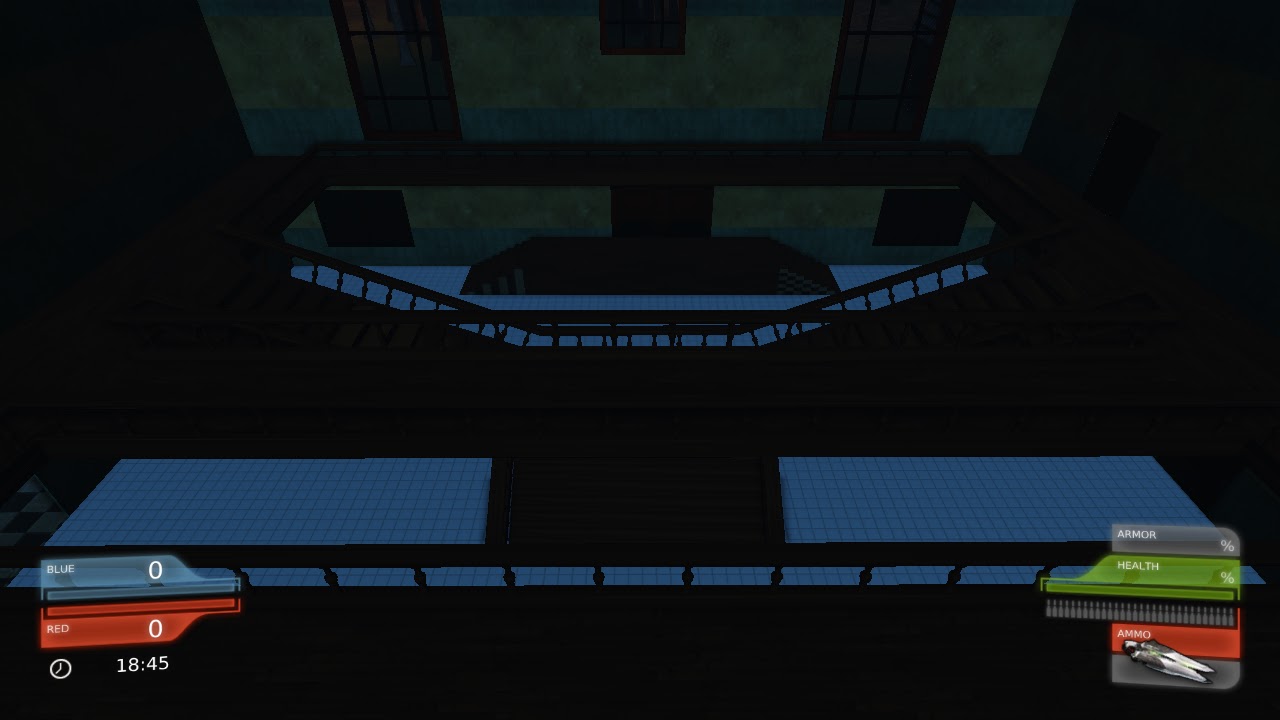
All of the screenshots below just show the darkness and the depth for the woods. A few of the pictures have paths for which enemies will spawn and run from. The next update will have holes cut into meshes for windows and doors, this will take a bit of time and is tedious. Not difficult at least. Also with the next update will be some more kismet examples. I want to get the first 10 waves done with some good solid functionality in there. Probably change some things with the waves sequence as well. Some things are no longer necessary and need to be removed.


Sunday, February 26, 2012

Made some trees in speedtree.


I decided i wanted to work on the forest more and make that look better. So i opened up speedtree that came with udk and worked on some trees. I wanted them to have a unique different style. Similiar to the trees you see in vast forests where their are only leaves on the top. Then i made some trees that are really distorted and have no leaves on them. Currently im working on adding some fog to give darkness to the forest and give it a real scary depth. Ill get some more screenshots of that when its done or at least some more progress is made.

Wednesday, February 8, 2012

Been a while.

Still working on the project. Its been a bit slower then id like but im gonna start scripting a little more to make it fun. Did a little over the past weekend, but nothing significant to show or make a post about. I drew a picture of one of the enemies in the game. Just a concept and im not anything special when it comes to drawing. But here it is anyway. I used a free program called "Mypaint" its a really good program for drawing with tablets and i highly recommend it. When it comes to painting and all the brushes it performs much much better then photoshop. If you like drawing get it.

Thursday, December 8, 2011

Using Object Lists to simplify things.


Here are some screenshots of me using object lists. The object lists are labeled accordingly and each object list contains pathnodes of each area. Then those named object lists are then referenced with named variables in each of the waves.

Wave Structure.


This is how each wave will be setup. Instead of checking the wave number by adding one to the integer value i will instead just set the integer value to the wave number. This way I can still do a check to change events in correspondance to the wave number. The screenshot will show the base structure, as every wave will be scripted and all will be unique. Not just a simple adding more enemies kinda thing. I dislike that.

As you can see all of the 50 waves will be in sequences and remote events will be called to activate each wave. This will help keep things nice and clean.

Side note. Some of the waves have had more work done. If you look under the sequences you can see "Wave 2" has a total of 26 nodes. This is because this wave has some enemies functioning and spawning now.

Sunday, December 4, 2011

I got a new way to do the wave system, it will be more effecient.

Instead of doing a check and making sure whether or not the waves number is going up. (Since every wave will be unique and not just a simple add more enemies here). I will be setting the wave number at the beginning of each wave, this will help tidy up all of the kismet and will use up less space, memory etc.

Ill have some screenshots in a day or two to show what I mean.

Sidenote, im currently up to wave 10 on the structure of the waves system. From here it will be smooth sailing, once the structure is set up its a matter of copy and pasting the constant things in each wave. (The wave announcements and timers.)

Wednesday, November 30, 2011

Waves system kismet.


      Heres the first five waves setup. There will be a total of 50 waves total.  After the check to see wave number it fires off the remote event. Which are in the sequences. More later.

Wednesday, October 12, 2011

More blocking out done in 3ds max. Enjoy some screenshots.

WIP- Main Hall

WIP-Outdoor Mansion Walls, Vertex Painting.

WIP - Main Hall

WIP - Outdoor moon

WIP - Outdoor moon.

Tuesday, October 4, 2011

Did some work with the moon.


I apologize if the screenshots are a tad bit dark but i didnt have time to brighten them up. Theres a few things id like to do to tweak the moon a bit. But i think its an excellent start and really helps the mood and feeling to the outdoor area. This will work just fine for quite some time until more important things are done.

Monday, October 3, 2011

Wednesday, September 28, 2011

Worked on the main hall. Did proper unwrapping,

 Got around to unwrapping most of the staircase in the main hall, looking better. Still needs to have some texture work done, id like to have a rug going down the stairs and out to the front door or so, so ill be doing that soon. Also since I until recently only had about one light in the main hall I added some more and the lights hanging on the wall now give off light due to lightmass. Boy lightmass is the shit. I still have to tweak some emissive values to those lights to make it a bit more of the way i want it, but thats not till other bigger things are done. In the screenshots below, I show the destructible marble pillars that i worked on. I liked how they turned out, i dont know how i feel about the model of the completely destroyed pillar, I think ill make some changes to that eventually.


WIP - Nice and bright.
WIP - Pillars Before

WIP - Destroyed Pillar

Friday, September 16, 2011

Worked on main staircase some more, no texture still. Still in blockout mode.


Did some more work on the main stairs for the main hall and did some work to the stairs leading to the outside door. The screenshots are from in editor view as i do not have time to do a lighting build and have to be somewhere pretty soon. Enjoy!

Thursday, September 15, 2011

Been working on assets in 3ds max.

     Havent posted anything too recently. Most of my work now is in 3ds max. Mostly for baseboards and actual proper stairs, railings, and to overall clean up some rough edges. Lately ive been working on the main hall ( the first hall you enter in the building). Ive also done some work to the outside stable to give that more of a horse stable feel.  No screenshots on that however. I havent gotten around to texturing the railings and stairs. That will be one of the last things i do as its still in blockout stage. So all of the textures are just temporary for now. As well as all the models are not absolutely final. The endings of the railings and sidings in particular need to be worked with. But none the less, enjoy! 


WIP Main Hall
WIP Dining Hall

WIP Main Hall

WIP Main Hall 2nd Floor